
Does turning the ac on and off cost more
Does turning the ac on and off cost more
You’ve probably heard conflicting advice: leave the cooling system running, or shut it off completely to save pennies. This makes many wonder, is it cheaper to leave air conditioner on all day? According to the Department of Energy, an inactive machine always saves power initially, much like turning off a car saves gas compared to idling. Yet, anxiety persists regarding the air conditioner startup energy surge—the brief, heavy power burst needed to jumpstart the motor.
Ultimately, does turning the AC on and off cost more? The real battle involves “thermal recovery,” meaning the unit must eventually cool down hot furniture, not just air. Constantly restarting forces the machine to sprint instead of steadily jog. The 4-hour threshold and “8-Degree Rule” provide clear guidelines to eliminate the guesswork from this daily routine.
The Short Verdict: When to Flick the Switch and When to Let it Run
Homeowners constantly ask: does turning your AC on and off cost more every time you run an errand? The answer depends entirely on the clock. While your electricity cost per hour for central air naturally drops to zero when the unit is powered down, returning to a sweltering home forces the system to work overtime just to cool down your walls and furniture.
To figure out exactly how long to leave AC off to save money, rely on the “4-Hour Rule.” For shorter trips out of the house, you should instead use a “Setback Temperature”—a temporary, slightly warmer setting—rather than hitting the power button. Follow this simple absence guide:
- 0–30 mins: Leave it alone.
- 1–4 hours: Turn it up 5 degrees.
- 4+ hours: Turn it up 8–10 degrees, or off completely.
Following this straightforward timeline extends the life of your unit while comfortably lowering your monthly bills. But why exactly does shutting the system off for a quick 15-minute grocery run punish your equipment so badly?
The Startup Spike: Why Your AC Hates Being Turned On Every 10 Minutes
Think of your cooling system like a car in stop-and-go traffic. The moment the motor kicks on, it creates a massive air conditioner startup energy surge. That first 60 seconds of waking the machine up requires significantly more electricity than letting it hum steadily for the next ten minutes.
Many homeowners wonder: is it more expensive to turn AC on and off repeatedly throughout the day? The short answer is yes — flicking the thermostat on and off forces the unit into “short cycling.” If you constantly hear the loud rumble of the motor roaring to life, you are witnessing terrible HVAC system power consumption patterns. This start-and-stop sprinting quickly tires out the internal parts, which makes the short cycling impact on electricity bill absolutely brutal for homeowners.
Avoiding those initial power spikes only solves part of the efficiency puzzle. Even if you master your daily schedule, your home might be hoarding warmth while you are gone. Shutting the system completely off leaves your walls and furniture to bake in the afternoon heat.
The ‘Heat Soak’ Reality: Why Your Furniture Makes Your AC Work Harder
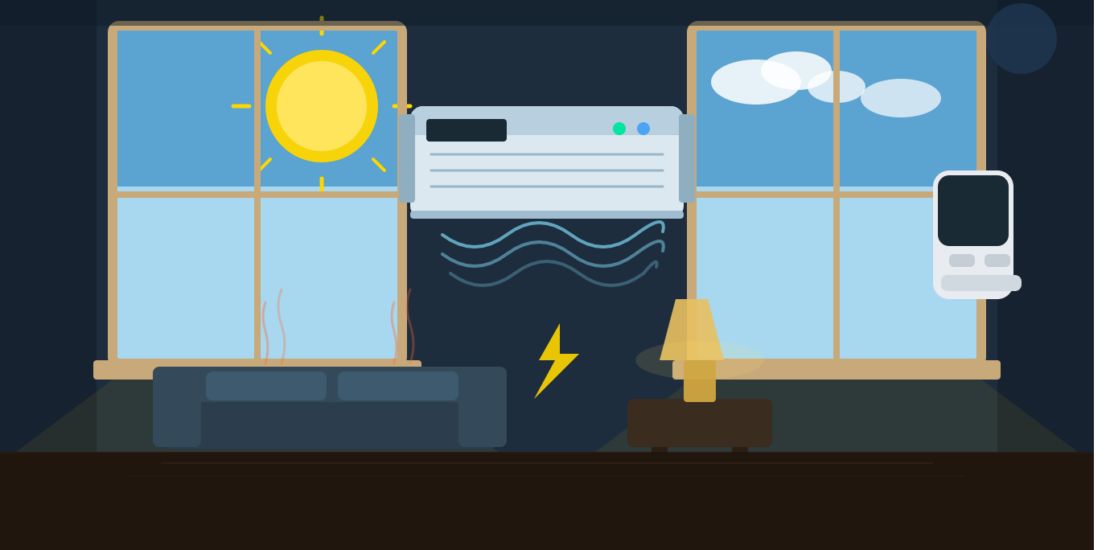
Have you ever wondered why your AC runs non-stop after work, even when the air feels cool quickly? That frustrating delay comes from “thermal mass”—the heavy drywall, floors, and sofas in your house. When your cooling system stays off, these objects act like giant sponges, soaking up afternoon warmth.
So does turning on and off the AC cost more because of this? Absolutely — this “heat soak” reality means your furniture actually holds significantly more heat than the air itself. Effective heat load management for residential cooling requires pulling all that trapped warmth out of your couches, not just chilling the empty room.
Closing your curtains before leaving prevents those belongings from baking in the sun. If your house gets too hot, your central air conditioner duty cycle efficiency plummets because it struggles to cool those heavy physical materials back down. This hidden indoor thermal mass and cooling costs penalty explains exactly why turning the system completely off backfires. A smart middle ground maximizes savings without punishing your equipment.
To further help your AC outsmart the heat soak effect, take a few extra steps before heading out. Hang blackout curtains or thermal drapes to block out direct sunlight, especially on south- and west-facing windows. Consider adding extra insulation to the attic or walls to slow the flow of heat into your home. Closing doors to unused rooms can also keep your system from working overtime by shrinking the area it needs to cool. These simple insulation and sun-blocking tricks lighten the load on your air conditioner, making your home noticeably easier to cool once you return.

How Long Does It Really Take to Cool Down a Home by 10 Degrees?
Here’s the reality check: If you crank the AC in your average-sized house, don’t expect a dramatic temperature drop in a matter of minutes. Cooling down by 10 degrees usually takes about three hours—sometimes a little quicker if you’re lucky, but often longer if your place is loaded with plush couches and sunbaked walls holding onto heat like stubborn leftovers.
This slow-and-steady process is precisely why blasting the unit for a quick fix rarely delivers comfort or savings. Your air conditioner isn’t just chilling breezes; it has to draw the warmth out of every nook, cranny, and coffee table before you finally feel that sweet relief.
Mastering the ‘8-Degree Rule’ for Maximum Savings
Finding the sweet spot between a shut-off system and an overworked AC comes down to a simple formula: the 8-Degree Rule. Rather than turning your unit completely off when you leave for work, simply set it 8 degrees warmer. The Department of Energy confirms this shift creates the optimal AC temperature for energy efficiency because it limits how much heat soaks into your furniture while keeping the afternoon recovery manageable.
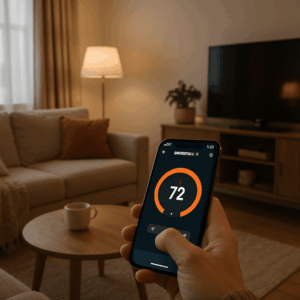
Managing these daily temperature adjustments manually gets tedious quickly, which highlights the true benefits of using a smart thermostat for cooling. You can effortlessly “set it and forget it” using programmable thermostat energy saving schedules. A reliable, cost-cutting summer routine looks like this:
- Daily Schedule: 72°F Home | 80°F Away | 78°F Sleep
Adopting this steady rhythm stops your system from frantically sprinting to cool a boiling house at 5:00 PM. Smooth, predictable operation lowers your monthly bill and saves your equipment from brutal mechanical stress.
Protecting Your Investment: How Constant Cycling Shortens Your Unit’s Life
Treat your AC like a car engine. Highway cruising causes far less mechanical stress than slamming the gas in stop-and-go traffic. The biggest factor behind AC compressor wear and tear causes is the massive energy jolt required during startup. Choosing erratic thermostat cycling vs constant temperature forces the motor into a punishing sprint-and-stop routine.
While variable speed vs single stage compressor efficiency allows newer units to safely “cruise” at lower speeds, constantly restarting still damages older systems. Protecting your equipment permanently requires a consistent approach to temperature management.
The Overlooked Secret: Routine Maintenance Keeps Your AC—and Wallet—Cool
Think of your air conditioner like a marathon runner: even the best pacing habits won’t help much if it’s gasping for air through a clogged filter. Replacing your AC filter every 1-2 months is the quickest way to keep airflow strong and prevent your system from choking on dust and pollen. That simple swap means your AC doesn’t have to work overtime to push cool air—immediately boosting efficiency and keeping those summer electricity bills in check.
Regular TLC shouldn’t stop there. Dust and debris love to gather on your unit’s coils and in hard-to-reach corners. Scheduling annual maintenance inside and out (pro tip: organizations like ENERGY STAR recommend this as standard practice) ensures your system is running at peak performance, catching small issues before they turn into expensive breakdowns. Letting grime build up is like asking your car to run with a potato in the tailpipe—it’s noisy, wasteful, and shortens your system’s lifespan.
Bottom line: treating your HVAC to routine maintenance isn’t just about comfort—it’s a smart investment in reliability, lower energy bills, and years of uninterrupted cool air.
Your Lower-Bill Roadmap: 3 Steps to Stop Stressing the Thermostat
By managing the workload rather than flipping the switch, you can prevent expensive energy spikes. Start this simple plan today:
- Program an 8-degree setback when away.
- Only turn the unit OFF if gone for 4+ hours.
- Use fans so the higher setback temperature feels much cooler.
The benefits of using a smart thermostat for cooling make automating this routine effortless. Turning the dial up instead of off avoids harsh recovery cycles, immediately reducing energy waste while maintaining long-term hardware health.
Essential AC Maintenance Tips for Maximum Efficiency
Once you’ve dialed in your cooling schedule, the next key player in energy savings is routine AC care. Even the smartest thermostat can’t save you if your system is choked with dust or running on clogged filters. Think of basic air conditioner upkeep as a spa day for your unit—giving it the refresh it needs to make every dollar count.
Here’s your homeowner-friendly maintenance checklist:
- Swap Filters Regularly: Dirty filters force your system to work double-time and can wreak havoc on airflow. Replace standard 1-inch filters every 1-2 months in summer, especially if you live with pets, pollen, or kids who think snack crumbs belong everywhere.
- Clean Vents and Return Grills: Vacuum away dust and debris around supply vents and returns at least once a season. Blocked airflow means hot spots—and higher bills.
- Keep the Outdoor Unit Happy: Trim bushes, sweep away leaves, and clear any clutter within two feet of the condenser outside. The more room it has to breathe, the less it has to sweat.
- Schedule Seasonal Tune-Ups: Have an HVAC professional check refrigerant levels, electrical connections, and coils every spring. Brands like Carrier and Trane recommend annual checkups to head off mid-summer breakdowns and keep warranties valid.
Consistent, simple maintenance pays off with quieter operation, colder air, lower utility bills—and the peace of mind that comes from a well-oiled summer cooling machine.